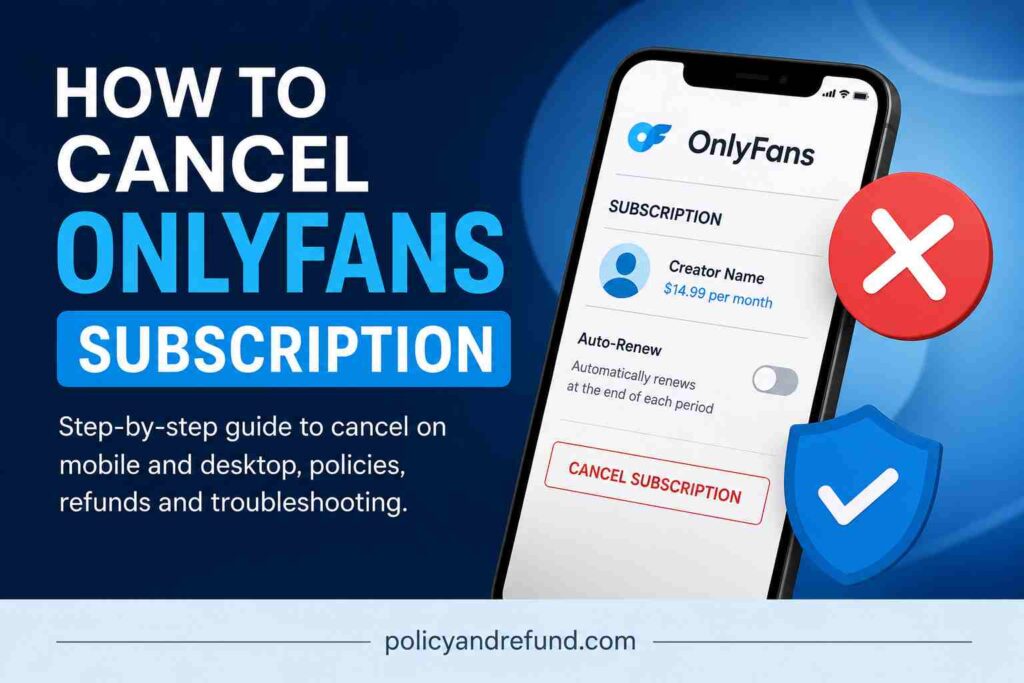
- How to Cancel OnlyFans Subscription on iPhone and Android
- Step 1: Open OnlyFans in Your Browser
- Step 2: Open Your Profile Menu
- Step 3: Open the Following Page
- Step 4: Turn Off Auto-Renew
- How to Cancel OnlyFans Subscription on Desktop
- Step 1: Log Into Your Account
- Step 2: Open Your Subscriptions
- Step 3: Find the Creator
- Step 4: Disable Auto-Renew
- Optional: Delete Your Account
- OnlyFans Cancellation Policy
- Before You Cancel OnlyFans Subscription
- Will My Account Be Deleted?
- Can I Pause My Subscription?
- When Is the Best Time to Cancel OnlyFans Subscription?
- What to Do if OnlyFans Won’t Cancel
- Clear Cache or Switch Browsers
- Check for Bundle Subscriptions
- Contact Support
- Contact Your Bank
- OnlyFans Subscription Plans and Pricing
- Sample Message for OnlyFans Support
- Frequently Asked Questions on How to Cancel OnlyFans Subscription
- Can I Cancel OnlyFans Anytime?
- Will OnlyFans Refund Me if I Forgot to Cancel?
- How Do I Know My Subscription Is Cancelled?
- How Long Does Cancellation Take?
- Does Cancelling Delete My Account?
- How Do I Contact OnlyFans Support?
How to Cancel OnlyFans Subscription
OnlyFans launched in 2016 and allows creators to charge monthly subscription fees, usually between $4.99 and $49.99. Some subscriptions can cost hundreds of dollars per year if left active.
If you no longer want recurring charges, this guide explains how to cancel your OnlyFans subscription on mobile and desktop, how billing works, and what to do if you continue getting charged.
How to Cancel OnlyFans Subscription on iPhone and Android
Most users access OnlyFans through a mobile browser because there is no widely available official app in many regions.
Step 1: Open OnlyFans in Your Browser
Open Safari, Chrome, or Firefox and visit the OnlyFans website. Sign in to the account linked to the subscription you want to cancel.
If the website is not loading properly, clear your browser cache or try another browser.
Step 2: Open Your Profile Menu
Tap your profile picture in the corner of the screen to open the account menu.
Make sure you are logged into the correct account before continuing.
Step 3: Open the Following Page
Tap Following to see the creators you subscribe to.
Paid subscriptions usually display a monthly price beside the creator’s name.
Step 4: Turn Off Auto-Renew
Find the creator you want to cancel and switch off Auto-Renew.
You may be asked to confirm your decision or select a reason for cancelling.
Once Auto-Renew is disabled:
- You will not be billed again
- Your current subscription stays active until the end of the billing cycle
- Your account will remain open unless you delete it manually
Tip: Take a screenshot after cancelling for proof.
How to Cancel OnlyFans Subscription on Desktop
Cancelling on desktop is often easier because the layout is clearer.
Step 1: Log Into Your Account
Go to the OnlyFans website and sign in.
Click your profile icon in the top-right corner.
Step 2: Open Your Subscriptions
Select Following or go to Settings to view active subscriptions.
Step 3: Find the Creator
Locate the creator you want to unsubscribe from.
If you follow many accounts, use your browser’s search feature:
- Windows: Ctrl + F
- Mac: Command + F
Step 4: Disable Auto-Renew
Click the Auto-Renew toggle next to the subscription.
A confirmation message may appear. Accept it to complete the cancellation.
Your access will continue until the current subscription period expires.
Optional: Delete Your Account
If you want to stop using OnlyFans completely:
- Go to Settings
- Select Account
- Choose Delete Account
- Confirm your password
Deleting your account removes access permanently in most cases.
OnlyFans Cancellation Policy
OnlyFans generally does not offer refunds for subscriptions.
Turning off Auto-Renew only stops future payments. It does not refund the current billing period.
You will still have access to the creator’s content until your subscription expires.
For updated policies, review the platform’s official terms and support pages.
Before You Cancel OnlyFans Subscription
Will My Account Be Deleted?
No.
Cancelling a subscription only stops recurring payments for that creator. Your OnlyFans account stays active unless you manually delete it.
Can I Pause My Subscription?
No.
OnlyFans does not currently offer a pause feature. Your options are:
- Turn off Auto-Renew
- Delete your account completely
When Is the Best Time to Cancel OnlyFans Subscription?
Cancel at least 24 to 48 hours before your renewal date.
Waiting until the last minute can increase the chance of another charge processing before cancellation updates.
What to Do if OnlyFans Won’t Cancel
If the Auto-Renew button is not working or charges continue, try these fixes.
Clear Cache or Switch Browsers
Browser issues can sometimes prevent settings from updating.
Try:
- Clearing cache and cookies
- Using another browser
- Logging in from a desktop device
Check for Bundle Subscriptions
Some creators offer multi-month bundles.
If you purchased a 3-month or 6-month package, turning off Auto-Renew only prevents the next renewal. It does not cancel the current prepaid period.
Contact Support
Take screenshots showing:
- Subscription status
- Charges
- Error messages
- Date and time
Then contact OnlyFans support with your transaction details.
Contact Your Bank
If unauthorised charges continue after contacting support, speak with your bank or card issuer.
They may help block future payments or dispute charges.
OnlyFans Subscription Plans and Pricing
| Plan Type | Price Range | Features |
|---|---|---|
| Free Trial | $0 | Limited-time access that may auto-renew into a paid plan |
| Monthly Subscription | $4.99–$49.99 | Standard creator subscription |
| Bundle Deals | Varies | Discounts for 3, 6, or 12 months upfront |
| Pay-Per-View Content | $5–$100+ | One-time purchases for locked content |
Sample Message for OnlyFans Support
Hello, my account was charged on [date] even after I disabled Auto-Renew. Please confirm my subscription status and advise on the next steps.
Transaction ID: [insert ID]
I have attached screenshots for reference.
Frequently Asked Questions on How to Cancel OnlyFans Subscription
Can I Cancel OnlyFans Anytime?
Yes. You can disable Auto-Renew whenever you want.
Your subscription will remain active until the current billing cycle ends.
Will OnlyFans Refund Me if I Forgot to Cancel?
Usually no.
OnlyFans typically does not refund completed subscription payments unless there is an unauthorised charge or billing issue.
How Do I Know My Subscription Is Cancelled?
Check the Following page.
If Auto-Renew is turned off, the subscription should no longer renew automatically.
You should also save screenshots of the confirmation.
How Long Does Cancellation Take?
Disabling Auto-Renew usually works immediately, though system delays can happen occasionally.
For safety, cancel at least 24–48 hours before renewal.
Does Cancelling Delete My Account?
No.
Your account stays active unless you manually delete it through Account Settings.
How Do I Contact OnlyFans Support?
Use the support or help section on the official OnlyFans website and include:
- Transaction IDs
- Screenshots
- Billing dates
- Error messages
This usually speeds up responses.